

Apple laptops get all the hype for their sleek design and strong performance, but sometimes, people just don’t want to live that ‘Mac-life’ – and we get that!
It could be that maybe you need Windows or Linux for that one weird app, or maybe you just want more ports and a lower price.
That’s where Apple alternatives come in, laptops that pack power, portability, and features without locking you into the Apple bubble. You get to keep your freedom, and your wallet will feel a little heavier.
Picking the right alternative usually comes down to three things: operating system, performance, and build quality – because Battery life, display quality, and keyboard comfort can make or break the experience for everyday use.
If you need a workhorse, you’ll want more processing muscle and memory. Students or casual users? You might care more about portability and price. Tiny details, but they add up…nobody wants a laptop that just looks good in photos and then disappoints when it comes to the crunch.
When it comes to looking for the best ‘Non-Mac’, let’s be real: the market is crowded. So we’ve dug through the chaos and picked out the top models that actually balance performance, design, and value, so you can stop scrolling through endless spec sheets and just get to the good stuff.
Our Best Apple Alternative Laptops Guide
Not everyone wants to pledge allegiance to Apple, and honestly, that’s cool. Plenty of laptops out there bring strong performance, sleek looks, and great value, without the Apple price tag.
Below, you’ll find our favorite picks that juggle style, power, and practicality like pros.
ASUS Vivobook 15
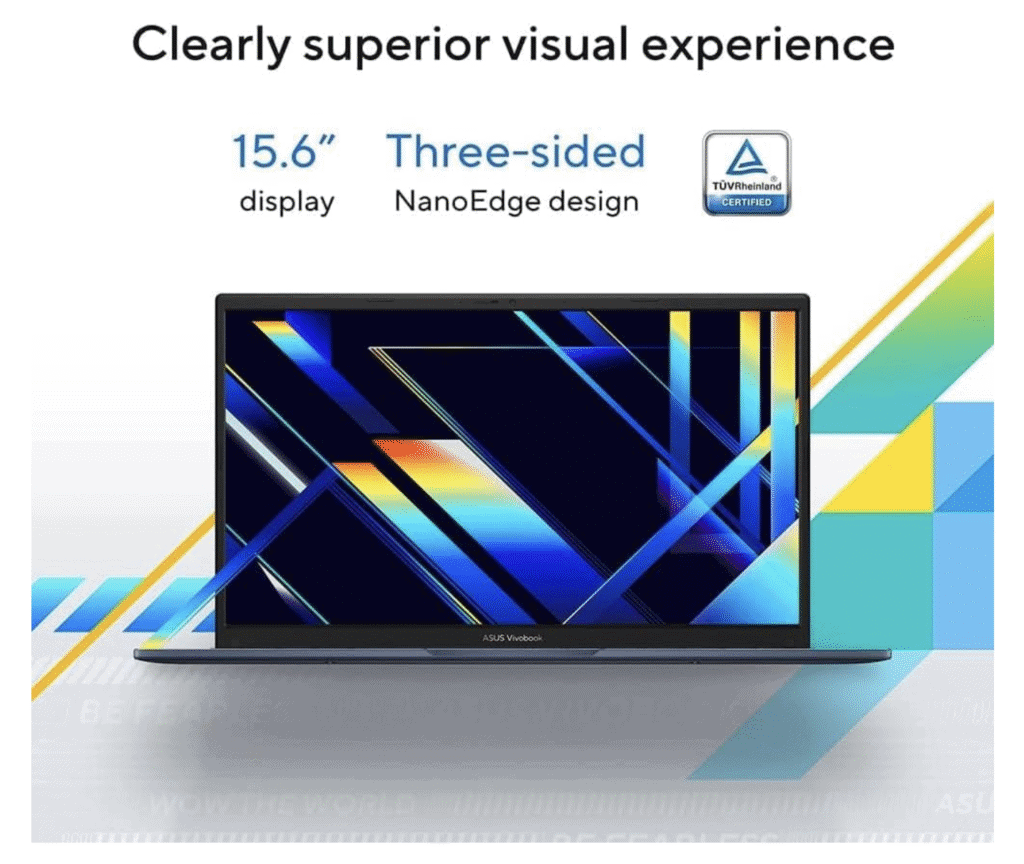
If you want a dependable Windows laptop without the Apple price, this one’s a contender.
Pros
- Quick to start up and zippy for daily tasks
- Lightweight, your back will thank you
- Big storage for all your files and guilty pleasure downloads
Cons
- Battery life is just okay, not marathon-worthy
- Integrated graphics aren’t for hardcore gamers
- Comes with some pre-installed bloatware
We tried the ASUS Vivobook 15 and immediately noticed how light it feels. Carrying it from room to room or tossing it in a bag is a breeze, so it’s great for both home and digital nomads.
The slim design keeps things modern but doesn’t scream for attention. Performance-wise, it handled our daily chaos just fine; multiple browser tabs, streaming, and docs didn’t slow it down. The big SSD means you won’t run out of space anytime soon, which is a relief if you’re a digital hoarder.
Not everything’s perfect. The battery gets you through most of the day, but heavy streaming or big apps drain it faster. Integrated graphics mean gaming is, well, casual at best. Still, for work, study, or just everyday stuff, the Vivobook 15 feels reliable and gets the job done.
It’s not as fancy as a MacBook, but for the price? It’s a solid, no-drama Windows machine that just works.
➡️ Buy the ASUS Vivobook 15 Here ⬅️
Lenovo IdeaPad Slim 3
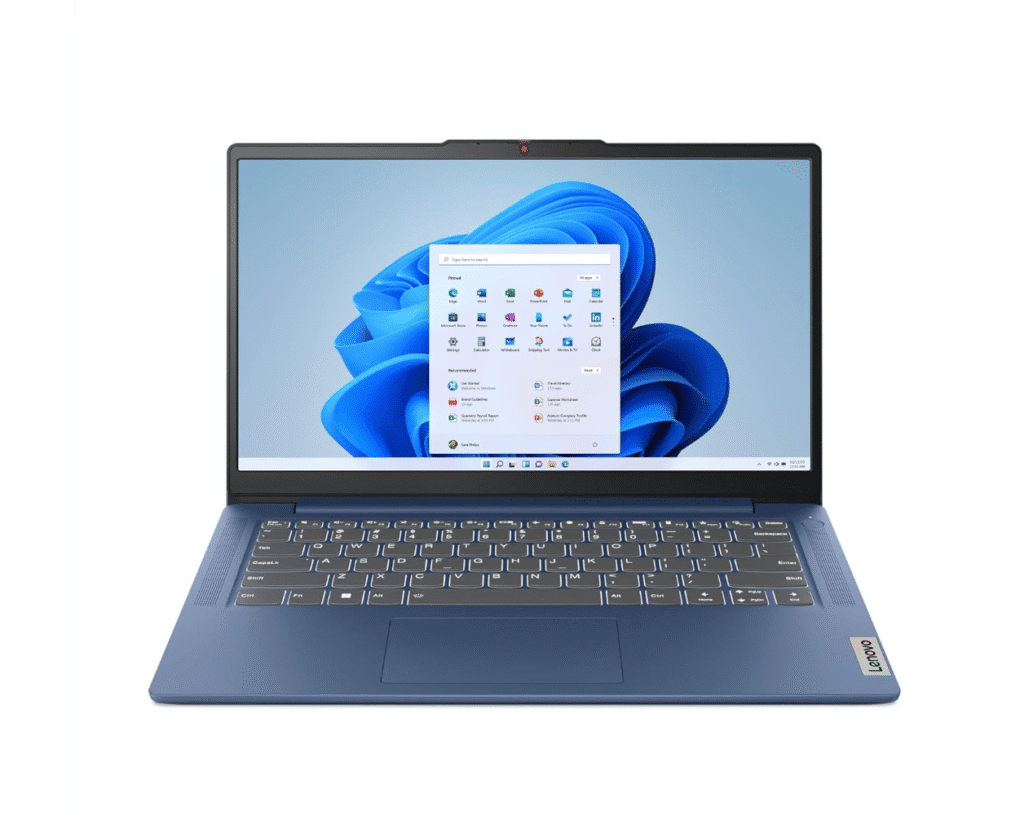
This one’s a smart grab if you want a lightweight, reliable laptop without dropping Apple-level cash.
Pros
- Slim and easy to lug around
- The screen’s crisp with nice colors
- Quick charging is a lifesaver
Cons
- Plastic build doesn’t scream “luxury”
- Speakers are fine, but don’t expect deep bass
We’ve used the Lenovo IdeaPad Slim 3 for a bit, and it’s clear this one’s built for day-to-day practicality. The 14-inch size slides into a bag easily and won’t weigh you down on the move.
The display surprised us as videos and docs look sharp, and the low blue light filter actually helps after a few hours. The sound is fine for calls or background music, but it won’t blow you away.
Charging is where it shines. A short plug-in during a break gets you enough juice to keep going for a few hours. The battery isn’t a marathon runner, but quick top-ups make it work. For the price, it’s a solid balance of performance and portability.
➡️ Buy the Lenovo IdeaPad Slim 3 Here ⬅️
Dell Inspiron 15
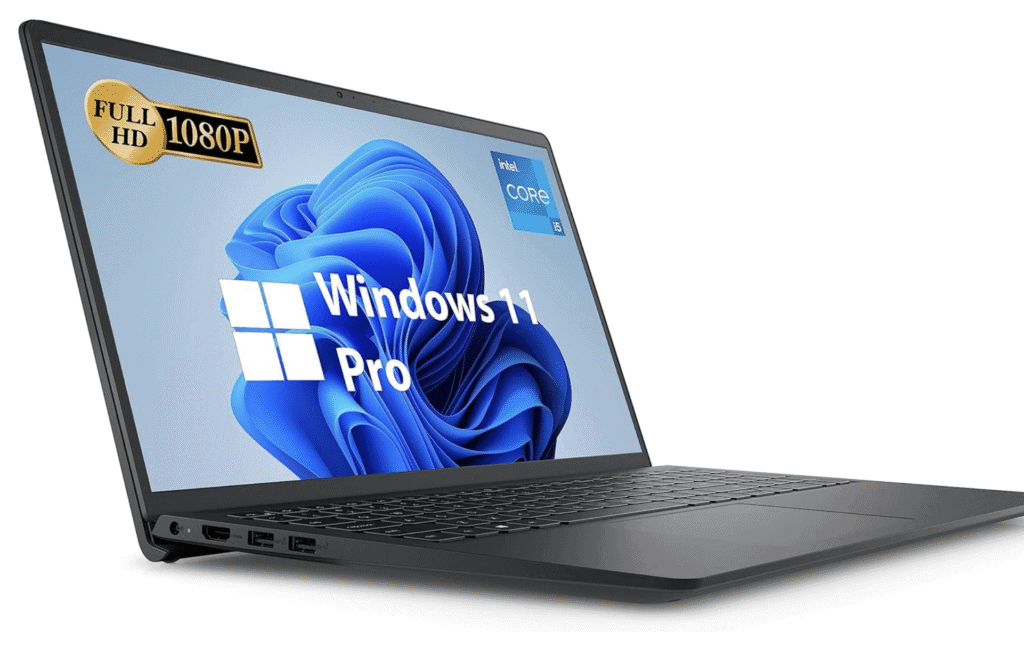
If you want a dependable laptop that balances performance and value, put this on your radar.
Pros
- Handles multitasking and everyday work without breaking a sweat
- Display’s easy on the eyes
- Microsoft Office is ready to roll out of the box
Cons
- The battery drains more quickly than we’d like
- No keyboard backlight for late-night sessions
- Speakers are a bit flat
We set up the Dell Inspiron 15, and it felt ready to go right away. No fuss, no endless updates, and Office was already there – nice!
Everyday stuff like browsing, writing, and video calls ran smoothly. The display isn’t the brightest, but the anti-glare finish helps in weird lighting. The 120Hz refresh rate makes scrolling and work feel smoother, which is a small but welcome bonus.
The battery didn’t last as long as we hoped, though. We kept reaching for the charger after a few hours. Speakers could use more oomph, especially for movies or music. Still, for the price, it’s a straightforward, reliable pick for anyone who wants a practical Apple alternative.
➡️ Buy the Dell Inspiron 15 Here ⬅️
HP Pavilion 16 Laptop
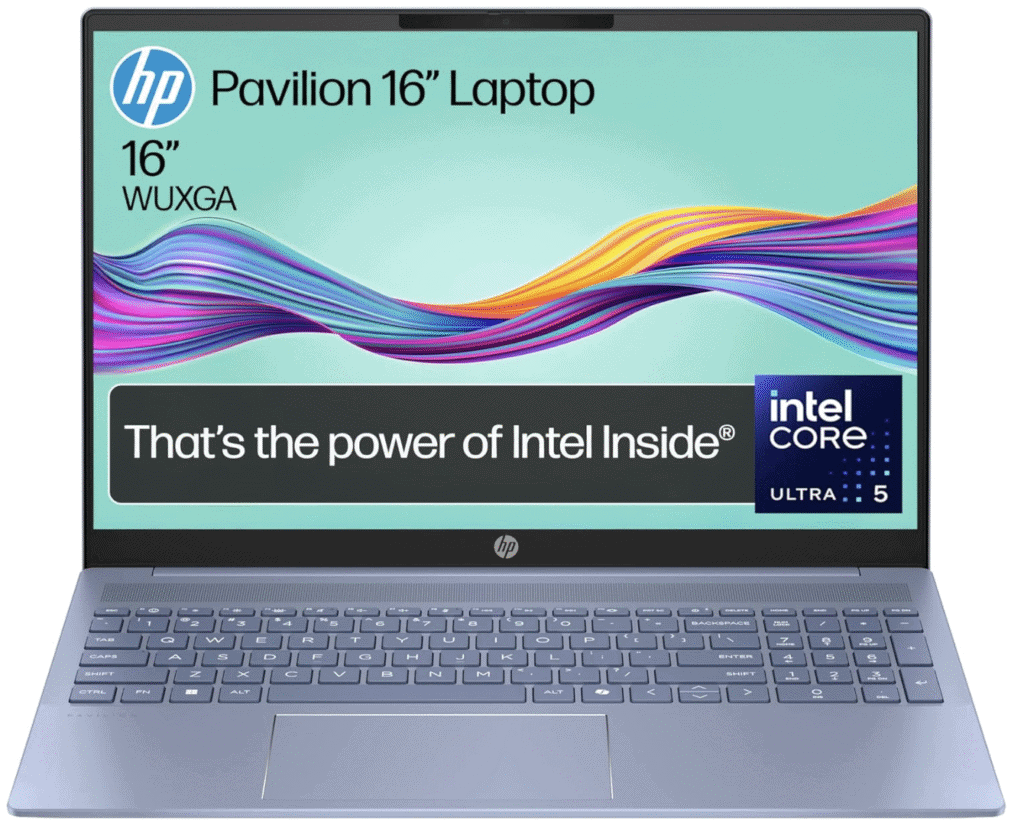
Here’s a solid choice if you want a Windows laptop that can handle work, play, and daily life.
Pros
- Big, crisp 16-inch display for streaming and editing
- Comfy keyboard and roomy touchpad
- Fast enough for multitasking and some light gaming
Cons
- The touchpad can be too sensitive
- A bit heavier than some of the slim crowd
We’ve used the HP Pavilion 16 for both work and downtime, and the screen is the star. The 16-inch display feels spacious, so editing docs or watching movies is easy on the eyes. Colours pop, and the slim bezels give it a modern vibe.
Typing feels natural with the well-spaced keys. The big touchpad is handy, but sometimes the cursor jumps, which can be annoying if you’re in the zone. On the bright side, daily tasks like browsing and streaming don’t slow it down.
Battery life is decent for casual use, but video calls and editing do drain it faster. The blue design is pretty sleek, and while it’s not feather-light, it’s still portable. For those wanting a reliable machine without Apple’s price tag, this Pavilion is a smart option.
➡️ Buy the HP Pavilion 16 Laptop Here ⬅️
ASUS Vivobook S14
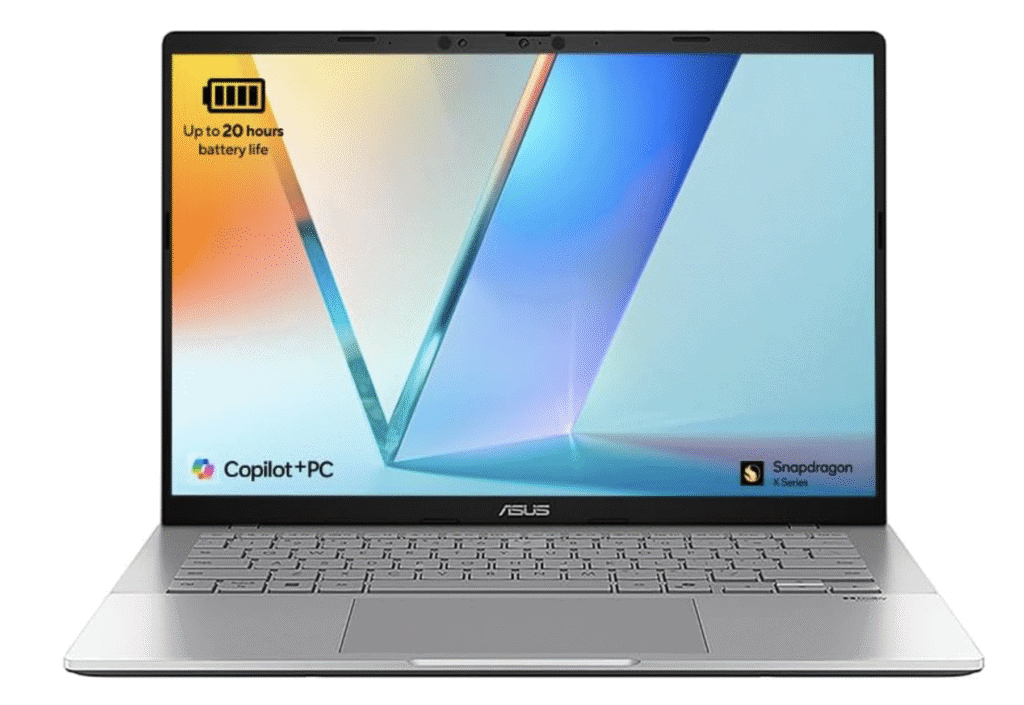
If you want a lightweight, long-lasting MacBook alternative but want to keep your cash, this is worth a look.
Pros
- Super slim and easy to carry
- Strong battery life – it just keeps going!
- Sharp, bright screen for work and Netflix binges
Cons
- Older printers and scanners might not play nice
- Keyboard layout takes a few minutes to get used to
We carried the ASUS Vivobook S14 around and barely noticed it in our bag. It’s a great pick for travel or commutes. The silver finish looks clean and modern, but not in-your-face.
The screen impressed us, with sharp text, vibrant colours, and enough brightness for working in a café or by a window. Watching movies or scrolling through photos feels smooth, even if it’s not the flashiest display ever. It does the job and then some.
Battery life is the real winner here. We got almost a full day without needing a charger, which is rare these days.
The backlit keyboard is comfy, though the key placement might throw you off at first. Once you get used to it, typing feels natural. All in all, this laptop is a practical, well-balanced choice if you want something sleek, reliable, and portable.
➡️ Buy the ASUS Vivobook S14 Here ⬅️
Lenovo IdeaPad Slim 5
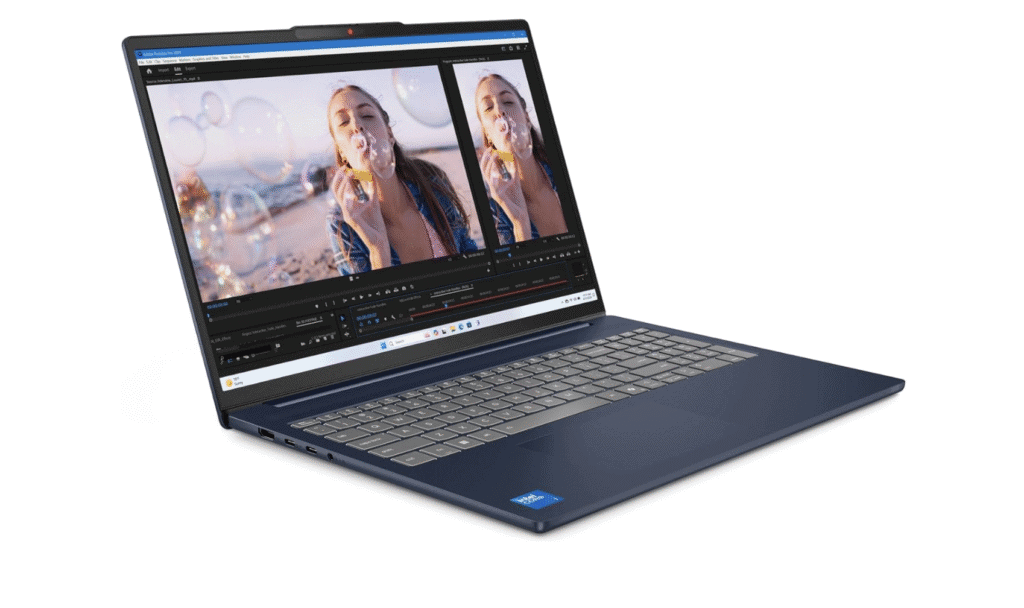
This laptop is for anyone who wants a reliable, well-built machine that will stand the test of time. In fact, it’s one of the very best we’ve tested and fully recommend it for day-to-day use.
Pros
- Smooth multitasking with no lag
- Slim and light, easy to carry around
- Comfortable keyboard for long typing sessions
Cons
- Speakers sound a bit flat at higher volume
- Screen brightness could be stronger outdoors
We’ve used the Lenovo IdeaPad Slim 5 for work and casual browsing. It’s been a steady, no-drama performer, and the 16-inch screen gives us more room for tabs and docs.
That extra space actually makes a difference when you’re bouncing between tasks. It’s not flashy, but it’s dependable. Sometimes boring is good, right?
Typing on this keyboard feels surprisingly nice. The keys have just enough travel, so writing long emails or reports doesn’t make your fingers cry for mercy.
The laptop stays cool, even when we’re juggling several apps, which keeps everything running smoothly. No hot laps or panicky fan noises here.
It’s easy to carry thanks to its slim, lightweight build. We do wish the speakers had more oomph when watching movies, but headphones fix that in a snap.
If you’re after a solid Apple alternative that balances performance and portability, this one’s a no-nonsense pick for everyday use.
➡️ Buy the Lenovo IdeaPad Slim 5 Here ⬅️
Dell Inspiron 15 Business Laptop
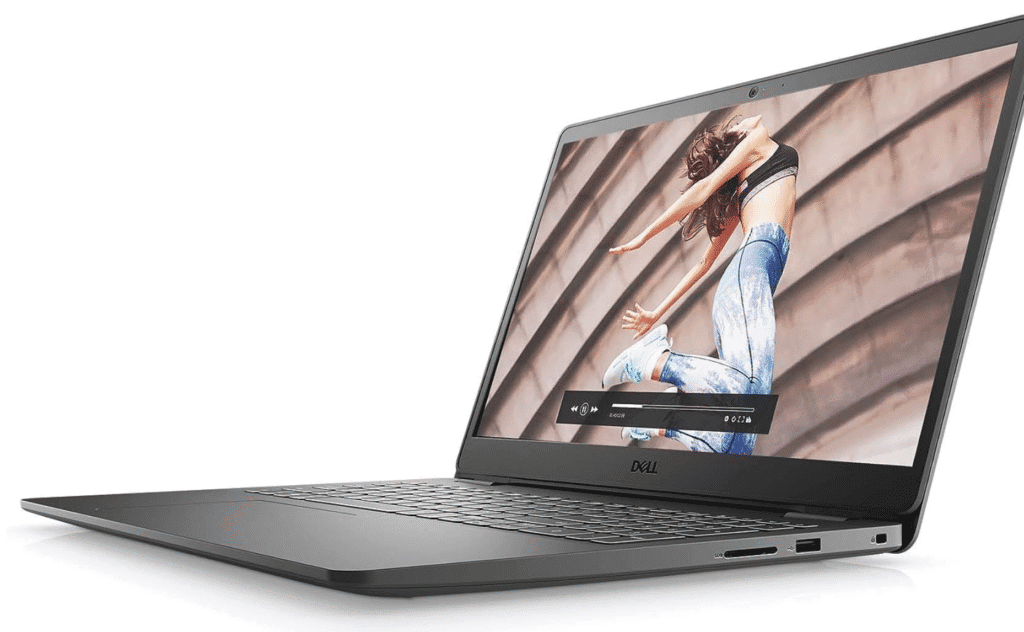
If you want a reliable Apple alternative with strong performance and a comfy daily experience, this Dell is worth a look.
Pros
- Handles multitasking smoothly with no slowdowns
- A crisp screen makes work and streaming easier on the eyes
- Stays lightweight enough to carry to meetings or classes
Cons
- The design feels plain compared to premium rivals
- Battery life holds up, but it isn’t the longest we’ve seen
We set up the Dell Inspiron 15 Business Laptop with zero drama. The keyboard feels solid, and typing long emails or reports doesn’t turn into a finger workout.
The screen’s bright enough for daily use, though it won’t win any awards for colour pop. Still, it’s easy on the eyes for work or late-night movie watching.
It’s not heavy, so moving between home and office isn’t a chore. We ran multiple apps at once and switched between tasks without any lag.
Even with video calls, work docs, and a handful of browser tabs open, it just kept chugging along. No drama, no spinning wheels of doom.
The design is all business, i.e, straightforward and functional, so if you want something with more flair, you might need to look elsewhere.
Battery life lasts a workday, but you’ll need the charger if you’re pulling overtime. It’s not the marathon runner of laptops, but it gets you through the day.
➡️ Buy the Dell Inspiron 15 Business Laptop Here ⬅️
Acer Nitro V15
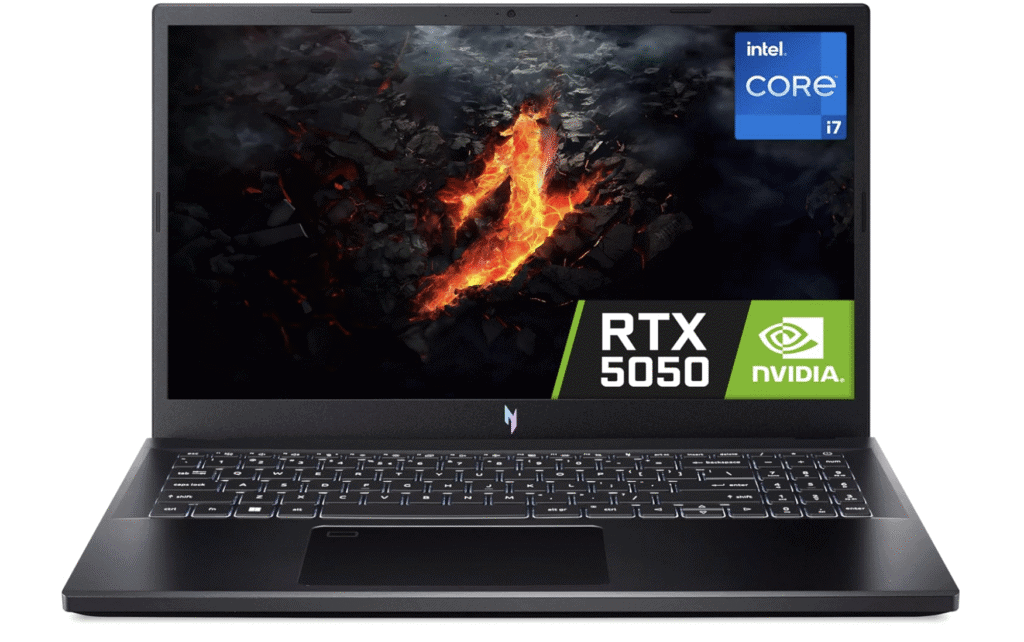
This one’s for anyone who wants a super-strong performance but would rather not take out a second mortgage for an Apple equivalent.
Pros
- Handles demanding games and work tasks smoothly
- Fast, sharp screen with very little motion blur
- The top-range cooling system keeps it from getting too hot, even when you ask a lot from it.
Cons
- Feels a little heavier than some slim laptops
- Battery life doesn’t last long away from the charger – but it fully depends on what you throw at it!
We’ve used the Nitro V15 for a while, and honestly, it’s quick. Launching apps, loading games, or just running everyday stuff happens with barely any waiting.
The 165Hz screen stands out, especially for gaming. It’s noticeably smoother to use due to its processing grunt, and you’ll spot the difference right away if you care about that sort of thing.
The cooling system does its job. After long work sessions, the laptop stays cool enough that you’re not frying your legs.
The fans do get a bit noisy under pressure, but we’d rather hear some whirring than risk a meltdown. Priorities, right?
The speakers could use some work. There’s a bit of popping at higher volumes, so headphones are the way to go if you’re going deep into the zone and want a top-quality musical experience.
➡️ Buy the Acer Nitro V15 Here ⬅️
Acer Aspire Go 15
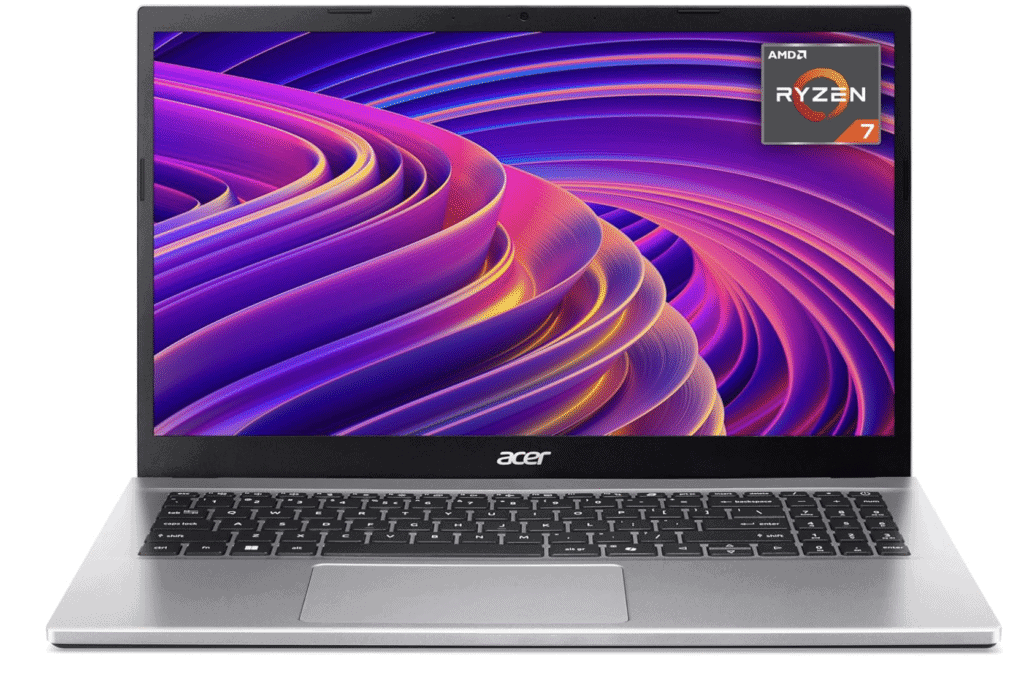
If you want a dependable workhorse of a laptop, then the Aspire Go 15 is a solid option. It won’t win beauty contests, but it gets the job done.
Pros
- Handles everyday work quickly with smooth multitasking
- The lightweight design makes it easy to carry around
- Large storage means no constant worrying about space
Cons
- Display looks a bit dull compared to premium screens, but that’s to be expected at this price point.
- Trackpad feels less responsive than expected
The Acer Aspire Go 15 handled emails, browsing, and light editing without breaking a sweat. That Ryzen 7 chip and 16GB of memory gave us plenty of headroom for app juggling.
Carrying it around was a breeze. The slim build didn’t weigh us down, which is a big plus if you’re hopping between home, office, or coffee shops.
The 1TB SSD meant we could store files without worrying about running out of space or messing with external drives. That’s one less thing to stress about.
The trackpad worked, but sometimes felt a bit stiff, nothing tragic, just a minor annoyance.
It’s not flashy, but for work, study, or general use, it’s a capable Windows machine at a fair price.
➡️ Buy the Acer Aspire Go 15 Here ⬅️
Lenovo IdeaPad Slim 5x
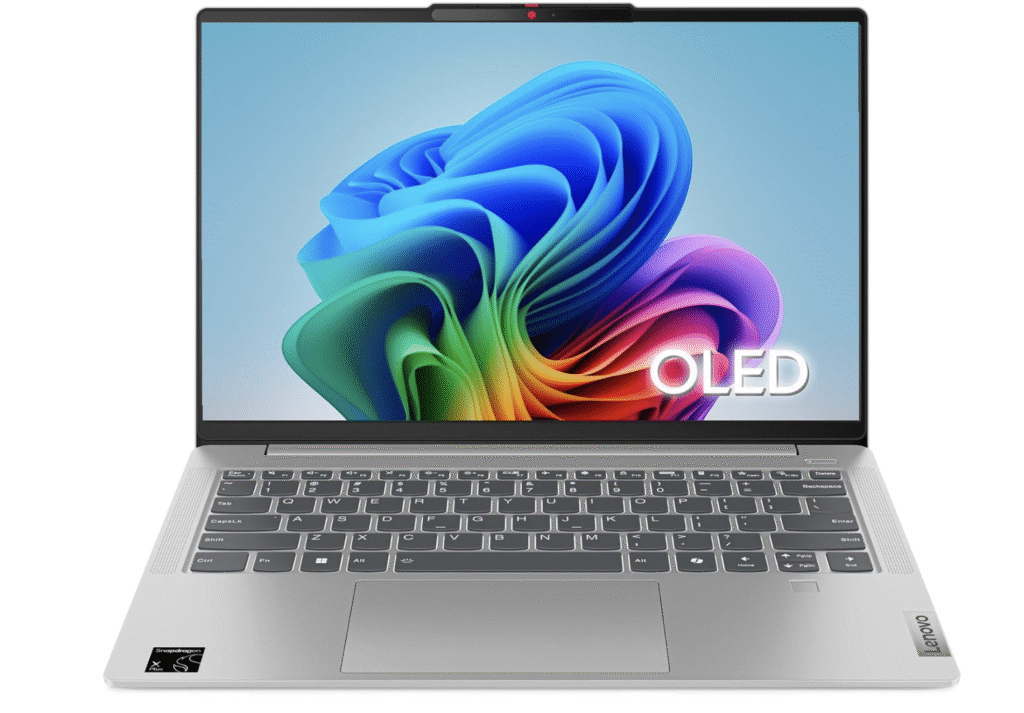
This one’s for anyone who wants a light, long-lasting machine that feels premium, but still won’t break the bank.
Pros
- Strong battery life that easily lasts a full day
- Crisp OLED screen with vibrant colours
- Slim, sturdy design that feels reliable on the move
Cons
- No touchscreen option, which would be nice to see in this range.
- Speakers sound decent but not standout
We’ve been using the Lenovo IdeaPad Slim 5x for a few days. The first thing we noticed? It’s super light, almost suspiciously so (i.e make sure you check your bag to see if you actually did pack it!)
The OLED display is a treat. Colours pop, but not in a “cartoonish” way, and the slim bezels give it a modern vibe.
We noticed less eye strain compared to standard screens. That’s a win if you’re glued to your laptop all day.
Battery life stands out. Even with a mix of browsing, writing, and video calls, it easily lasts most of the day.
Rapid charging is handy when you’re in a rush. The speakers could use more depth, but for everyday tasks, performance feels smooth and responsive.
So if you want a dependable laptop with a premium display and solid battery life, the Lenovo IdeaPad Slim 5x deserves a spot on your shortlist.
➡️ Buy the Lenovo IdeaPad Slim 5x Here ⬅️
Buying Guide
Let’s be real, sometimes shopping for a laptop can create deep inertia due to so many choices. But the most important thing to always keep in mind is how you’ll actually use the thing.
Students might want something light and easy to lug around. Creators editing photos or videos? They’ll need more muscle under the hood.
Matching the laptop to our daily grind will keep you from blowing cash on stuff you don’t need. No sense in paying for a spaceship if you’re just checking emails, right?
Let’s talk screens. A bright, clear display with decent resolution changes everything if you’re staring at it for hours.
If you read or edit a lot, you’ll notice a good screen. Touchscreens? They’re cool, but honestly, not everyone cares.
Battery life…oh boy, this one sneaks up on you. If you’re always on the move, you’ll want a laptop that doesn’t die before lunch.
If you’re glued to a desk anyway, maybe battery isn’t your hill to die on. But hey, nobody likes being chained to a charger.
Here are some key features to compare:
| Feature | What to Look For | Why It Matters |
|---|---|---|
| Processor | Mid to high range | Handles everyday work and heavier tasks smoothly |
| RAM | At least 8GB | Keeps apps running without slowdowns |
| Storage | SSD over HDD | Faster boot times and file access |
| Battery | 6+ hours | Longer use without charging |
| Weight | Under 2kg | Easier to carry daily |
Build quality doesn’t always get enough love, because a solid keyboard and trackpad make typing and clicking way less annoying – and this is important if you’re going to be using your new laptop a lot!
Plus, if you write a lot, this stuff can secretly matter more than fancy specs. Trust me, your fingers will thank you.
And hey, don’t forget about ports and Wi-Fi. Extra connections, a webcam that doesn’t look like a potato, and fast internet? Those little things can save your sanity.
We hope you’ve found our guide helpful – good luck on making that all-important choice!
Affiliate Disclosure: SomethingElse participates in Amazon Associates and other affiliate programs. This means we may earn a commission, at no extra cost to you, when you buy through our links. We only share products and services we believe add real value, but please do your own research before purchasing. Thanks and enjoy!