
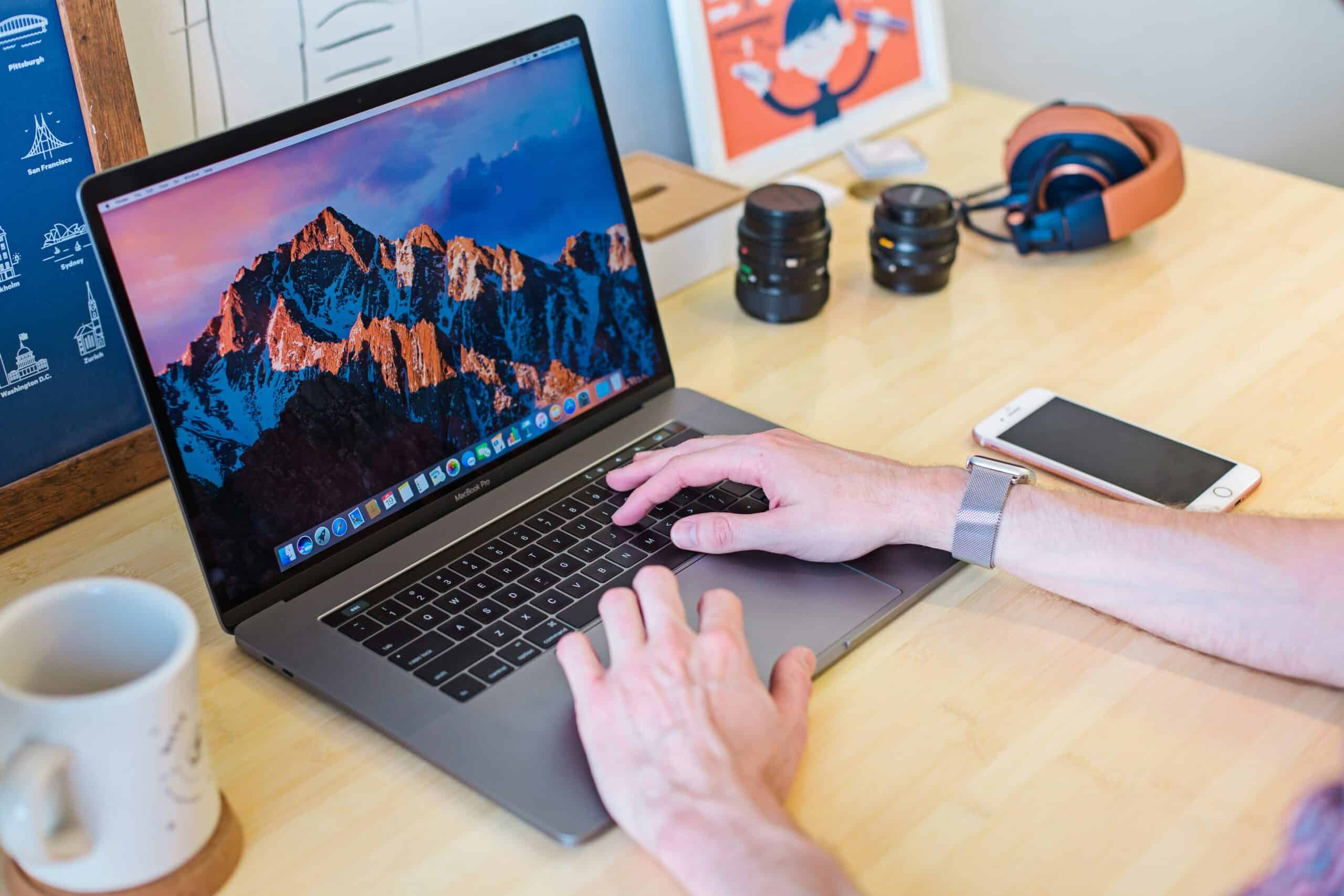
MacBooks have become the go-to laptop choice for students, professionals, and creative folks. They run on Apple’s macOS, and people love their build quality and smooth performance.
Whether you want a machine for basic browsing or something that can handle video editing, it’s very likely there’s a MacBook that fits. Apple now makes its own chips, and that change affects both performance and battery life.
When shopping for a MacBook, you should focus on the chip, screen size, memory, and storage. The M-series chips come in different versions, with higher numbers offering more power for demanding tasks.
You’ll also want to decide if you prefer the portability of a smaller screen or the workspace of a bigger display. Storage matters, too, since you can’t upgrade it later.
Most people are fine with 256GB or 512GB, but if you deal with lots of photos or big files, you might need more.
We’d tried out and tested the current MacBook lineup to help you pick the right one for your needs and budget, so let’s get going!
Our Pick Of The Best MacBooks For Everyday Use
We’ve spent time with the top MacBooks out there right now to help you find a good fit. Whether you need something for everyday work or more serious projects, there’s an option below.
MacBook Air M5 13-inch
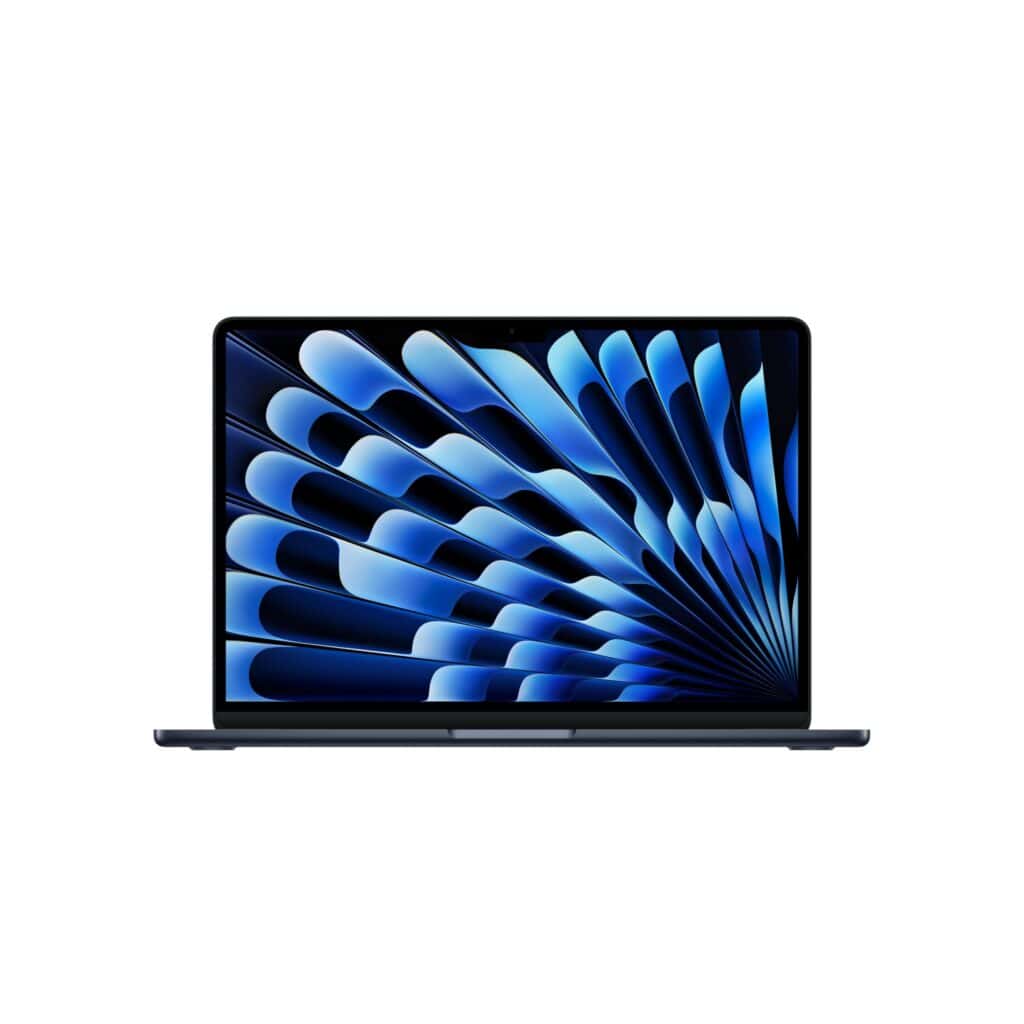
This laptop is a great pick if you want something portable that runs everyday tasks without fuss. The battery life is excellent, and it’s a super solid choice for everyday use.
Pros
- The battery lasted us through a full workday without charging
- Switching between apps and tasks felt snappy
- The screen made our photos and videos look vibrant
Cons
- No power adapter included—you’ll need to buy one if you don’t already have one (this is standard with all Mac’s now, unfortunately)
- The midnight colour picks up fingerprints easily
We’ve used the MacBook Air M5 for a few weeks, and it just gets out of the way. The M5 chip keeps everything moving, whether we’re writing, editing photos, or juggling browser tabs.
It never gets hot or loud, even though there’s no fan inside. The 13.6-inch display really pops, with colours that look rich and accurate.
Text is sharp and easy to read, which matters if you’re staring at it for hours. We got through whole days on one charge, which is honestly a relief.
It starts at 512GB of storage, so there’s plenty of room for files and apps. With 16GB of memory, we could keep lots of programs open and never felt it slow down.
The Centre Stage camera worked well during video calls, keeping us in frame as we moved. The speakers surprised us with their clarity and depth.
The midnight finish looks sharp but will collect fingerprints over time. The overall build quality still feels solid and premium, even at this great-value price point!
MacBook Air M4 13-inch
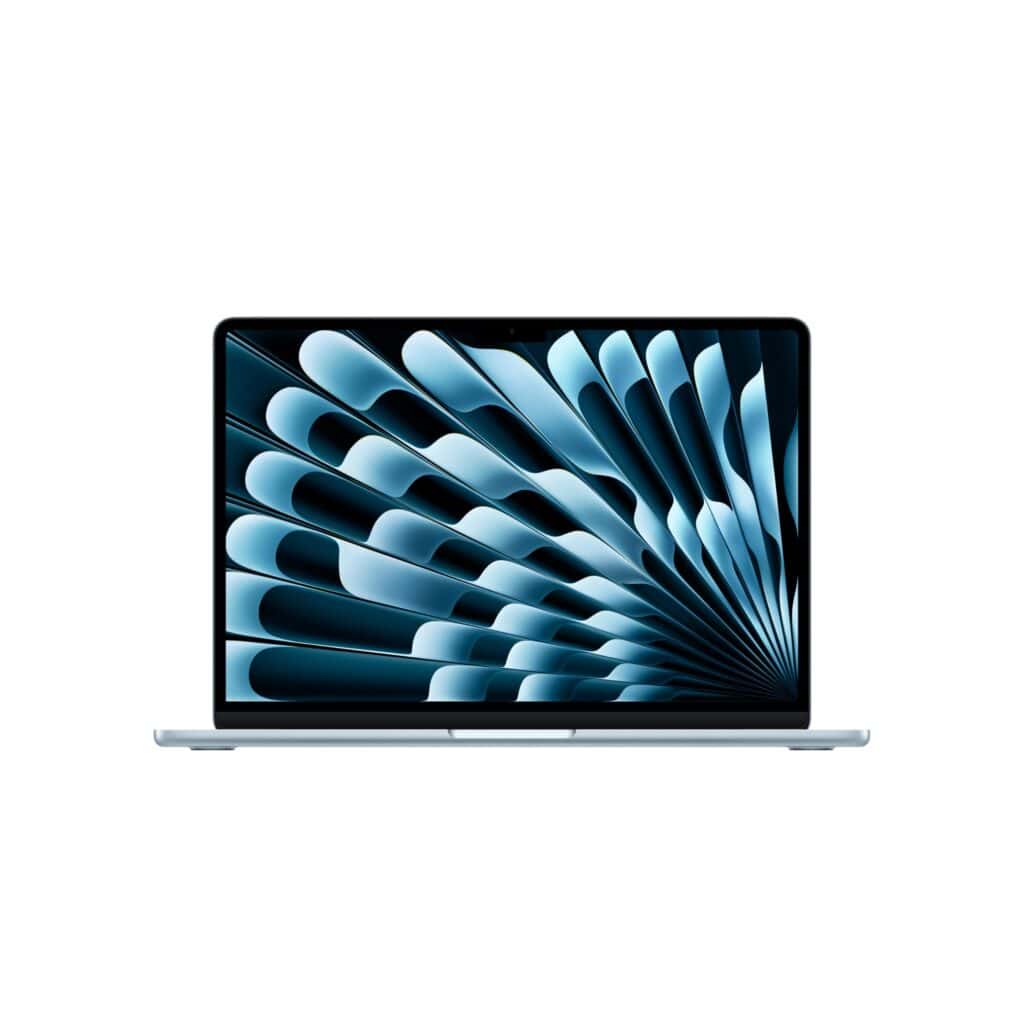
This is a solid choice if you want a lightweight laptop with great battery life and a nice display.
Pros
- Battery lasts nearly a full workday
- Super light and thin, easy to carry anywhere
- Display shows vivid colours and sharp text
Cons
- Limited ports, you may need a dongle if you use a lot of additional devices.
We’ve been using the MacBook Air M4 for a bit, and it handles everything we throw at it. Opening lots of apps doesn’t slow it down.
Video editing runs smoothly, and there’s no fan noise. The screen quality jumps out at you, films look fantastic, and text is easy on the eyes.
It’s so light we sometimes forget it’s in our bag. The battery gets us through a full day of classes or work without hunting for an outlet.
The 12MP camera makes video calls look clear, and it follows you around, which is handy. Speakers sound better than you’d expect from such a thin laptop.
Moving between our iPhone and this MacBook Air feels seamless. Copying something on our phone and pasting it here just works. Answering calls or texts from the computer saves time, too.
The only downside is the lack of ports. With only two Thunderbolt ports, we had to buy a hub for older devices.
MacBook Neo

The MacBook Neo stands out for its sturdy build and all-day battery, wrapped up in fun colours. It’s perfect for students and folks who need a reliable everyday laptop at a super low price (for Apple!)
Pros
- Lasts up to 16 hours on a charge, so no need to scramble for a plug
- Comes in bright colours like Citrus and Indigo, with matching keyboards
- Starts up instantly and handles basic tasks without lag
Cons
- Only 8GB of memory, so multitasking is limited
- No power adapter included, you’ll need to buy one (but a normal USB-C phone charger will work)
- No backlit keyboard, which makes typing in the dark tricky
We tested the MacBook Neo for everyday stuff and found it handles the basics well. We opened lots of browser tabs and worked on documents, and it stayed smooth.
The A18 Pro chip keeps things quick, from launching apps to loading websites. The 13-inch Liquid Retina display is great for watching videos or editing photos, with colours that really pop.
Text is sharp, and we didn’t get eye strain even after hours of use. The 1080p camera made us look a lot clearer on video calls than older laptops ever did.
Battery life actually impressed us. We unplugged it in the morning, worked all day, and still had juice left at night. The lightweight aluminium body feels premium and survived being tossed in a bag.
The 8GB of memory is the biggest drawback. Running lots of apps at once slowed things down, so it’s best for students or casual users. If you’re doing a lot of AI-focused work or heavy video editing, then we recommend upgrading if your budget allows for it.
MacBook Air M4 13-inch
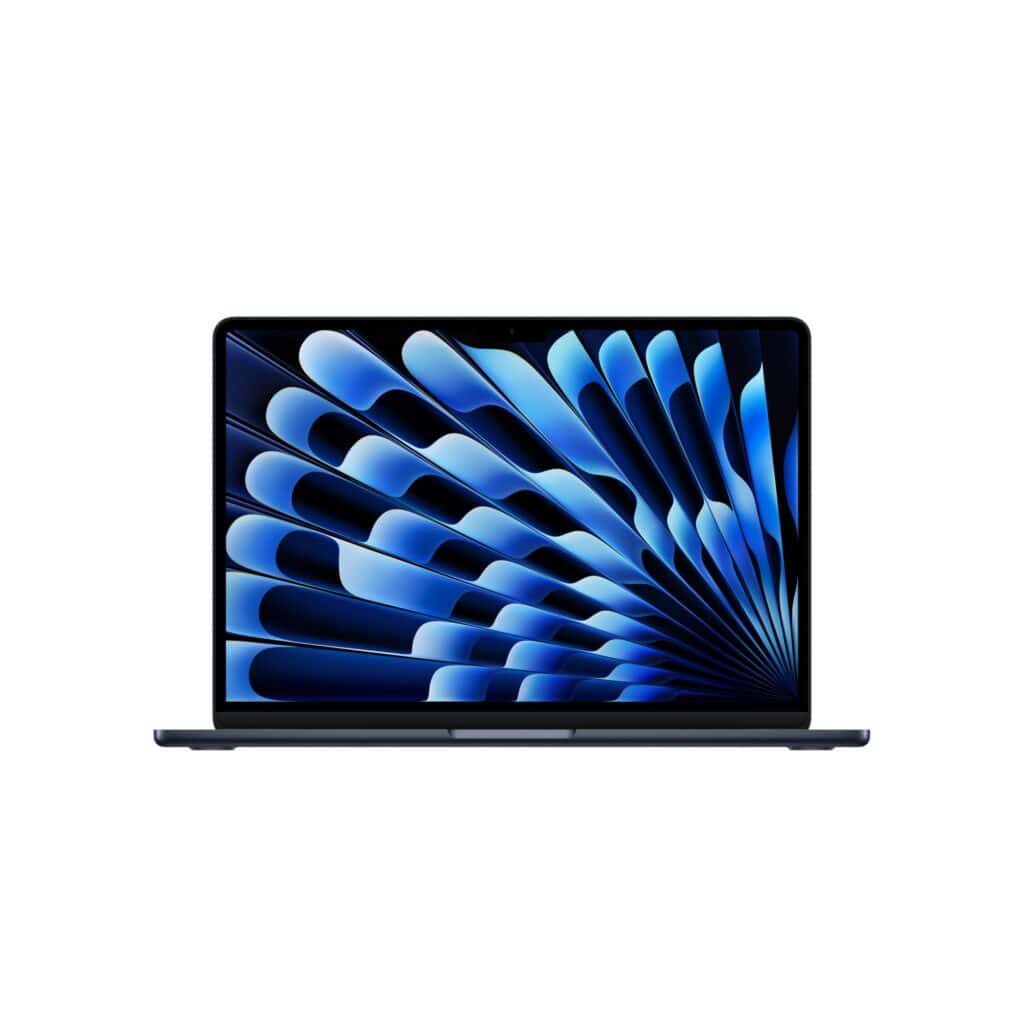
We think this laptop is worth buying if you need a reliable everyday computer. It handles most tasks without slowing down.
Pros
- Battery lasts nearly a full day of work without needing a charge
- Stays quick when running several apps at once
- Weighs very little and fits easily into most bags
Cons
- Gets pricey when you add more storage or memory
- Only comes with two Thunderbolt ports
The M4 chip really helps when we switch between different programs or edit photos. Everything just feels smooth and quick.
Even with loads of tabs open and a document on the go, it doesn’t slow down. That’s a relief if you’re like me and always multitask.
The 13.6-inch screen looks brilliant. Colours pop when we watch films or browse photos.
Text stays sharp and clear, which is a lifesaver when reading for ages. We love how light this laptop feels when we carry it around.
The battery genuinely lasts most of the day, so we don’t have to bring the charger everywhere. It stays cool and quiet, even when we push it a bit harder.
The MacBook Air M4 plays nicely with other Apple devices. We can copy something on our iPhone and paste it onto the laptop…kind of magic, honestly.
The camera quality is decent for video calls, and the speakers sound clear enough for videos without headphones. The limited number of ports is the biggest annoyance.
We often need a hub to connect our external hard drive and other accessories at the same time. The price jumps quickly if you want more storage or memory.
MacBook Pro 14.2-inch with M5 Chip
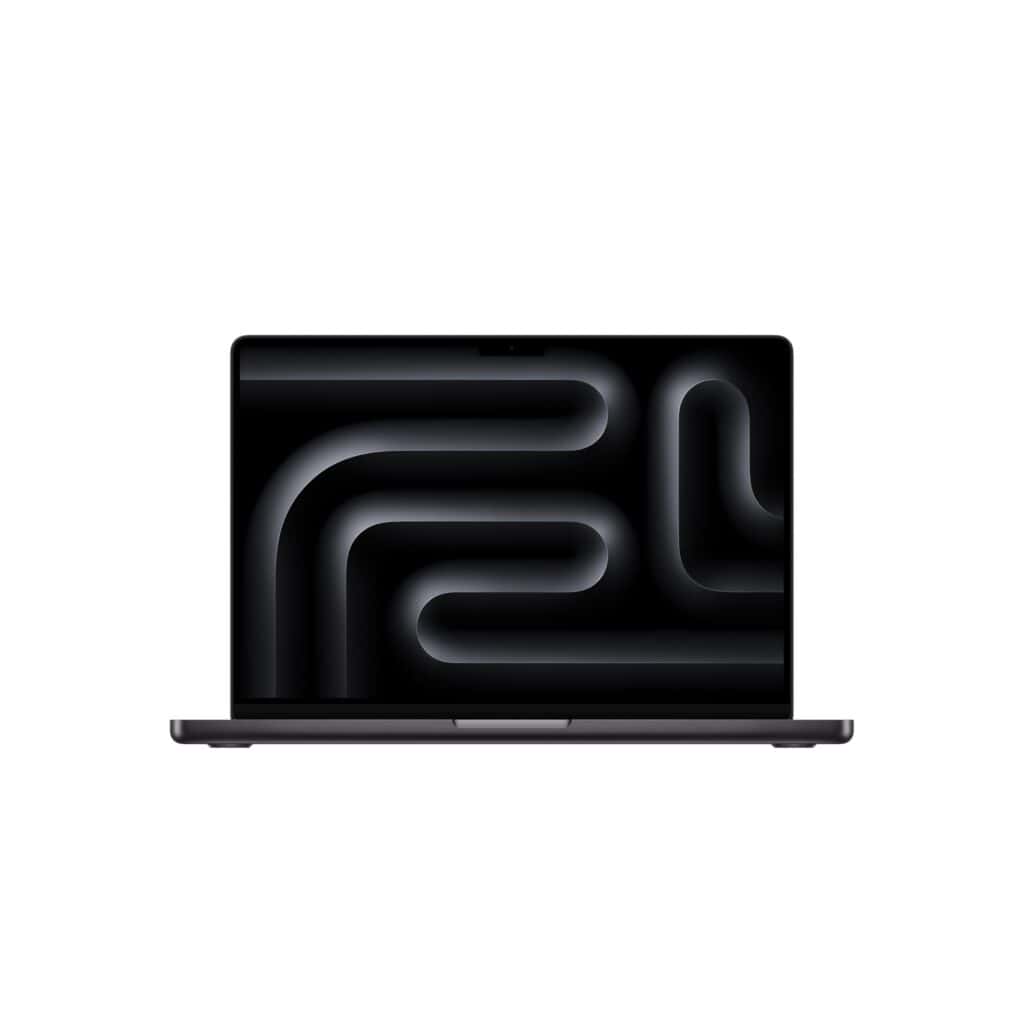
This laptop delivers super impressive speed and battery life – we’re definitely looking at the more premium range of Macs right here!
Pros
- The battery genuinely lasts all day even with heavy use
- Everything runs incredibly fast from simple tasks to video editing
- The screen quality is stunning with bright, vivid colours
Cons
- No power adapter included in the box which is frustrating for the price
- The price is quite steep for most budgets
- It’s heavier than the Air’s to carry around at over 2 kilograms
We noticed right away how smooth everything felt on this MacBook Pro. Apps open instantly and switching between tasks happens with zero lag.
The display stands out as one of the best features. Text looks crisp, colours pop when we watch videos or edit photos, and the brightness holds up even in sunny spots.
Battery performance surprised us. We powered through a full day of writing, browsing, and video calls without plugging in.
Still, the missing power adapter is a letdown. Opening the box and realising you need to buy a charger separately feels a bit off, especially for what you pay.
The speed really makes a difference in everyday work. We edited 4K video with no stutter and the fans stayed quiet—so much better than older laptops we’ve used.
If you’ve got other Apple gear, the integration is seamless. We shared files between our iPhone and this MacBook without giving it a second thought.
MacBook Air 15-inch with M4
This laptop delivers impressive performance and battery life at a reasonable price. It’s a solid pick for anyone who wants a bigger screen without the Pro price tag.
Pros
- The battery genuinely lasts through a full day of work without needing a charge
- Performance feels incredibly smooth even when juggling multiple demanding applications
- The large display makes everything easier to see whilst keeping the laptop surprisingly light
Cons
- Only 256GB storage might fill up quickly if you work with large files
- The price is still quite high compared to Windows alternatives
We’ve used the MacBook Air 15-inch with M4 for several weeks now. It handles everything we throw at it.
The M4 chip makes switching between apps feel instant. We can edit videos, browse a ton of tabs, and run creative software without any slowdown.
The 15.3-inch display is brilliant for productivity. Text looks sharp, and colours are vibrant when we’re editing photos.
The extra screen space over the 13-inch model is a real bonus for spreadsheets or having windows side by side. Battery life has been fantastic in our testing.
We regularly get through an entire workday without grabbing the charger. The laptop stays cool and quiet, even during heavier tasks.
It’s lighter than we expected for a 15-inch device, so carrying it around isn’t a chore. The six speakers sound impressively clear for such a thin laptop.
Video calls look great with the 12MP camera. We like the MagSafe charging port since it leaves both Thunderbolt ports free for accessories.
The fingerprint reader works reliably for quick logins. If you already own an iPhone, the integration is seamless.
We can copy text on our phone and paste it straight onto the Mac.
MacBook Air 15-inch with M5
The MacBook Air 15-inch with M5 chip offers exceptional performance and battery life in a slim design.
Pros
- The 18-hour battery life gets us through entire workdays without searching for a charger
- The 15.3-inch Liquid Retina display makes everything look sharp and vibrant
- Two Thunderbolt 4 ports and Wi-Fi 7 connectivity give us plenty of connection options
Cons
- This has everything and is basically a future-proof investment. But of course, it has a high price tag!
We’ve been using this MacBook Air for everyday tasks, and the M5 chip handles everything smoothly. Opening multiple apps at once doesn’t slow things down, and switching browser tabs feels instant.
The screen is gorgeous for watching videos or editing photos. Colours look natural and text stays crisp, even after hours of reading.
The 12MP camera keeps us centred during video calls, which is handy when we’re moving around.
After spending this much, we expected Apple to include everything needed to use the laptop right away.
Battery performance lives up to the claims. We’ve gone full days using it for work without plugging in.
The laptop stays cool and quiet, even when running demanding applications and is our top choice if you’re looking to future-proof your laptop and MacBook journey (for a good few year at least!)
Our MacBook Buying Guide
When we’re shopping for a new laptop, we need to think about what we’ll actually use it for. Different tasks call for different specs.
Screen Size and Portability
The display size really affects portability. Smaller 13-inch models slip into bags and weigh less.
Larger 14 to 16-inch screens give us more workspace but add weight. Pick based on whether you mostly work at a desk or travel a lot.
Performance Specs
The processor is the laptop’s brain. More powerful chips handle video editing or 3D work.
For basic browsing and documents, mid-range options work fine. RAM matters too.
We recommend at least 8GB for everyday stuff. If you do creative work or run lots of programs, 16GB or more is better.
Storage Capacity
Storage limits what we can keep on the device. Here’s what different sizes hold:
| Storage | Good For |
|---|---|
| 256GB | Light users, cloud storage fans |
| 512GB | Most people’s needs |
| 1TB+ | Large file collections, professionals |
Battery Life
Check how long the battery lasts on a single charge. If we’re away from plugs a lot, longer battery life is a must.
Look for models that last at least 10 hours. Nobody likes hunting for outlets all day.
Ports and Connectivity
Take a look at the number of ports and check which types are included. Maybe you need a USB connection, a card reader, or just a simple headphone jack.
If there aren’t enough ports, you’ll probably end up buying adaptors for your older accessories. That’s not always ideal, but it’s the reality with some devices these days.
Affiliate Disclosure
SomethingElse is a participant in the Amazon Services LLC Associates Program, an affiliate advertising program designed to provide a means for us to earn fees by linking to Amazon.com and affiliated sites.
In addition to Amazon, SomethingElse is also a member of a number of other affiliate programs, networks, and partnerships. These may include (but are not limited to) affiliate schemes with retailers, service providers, and product manufacturers across a variety of industries.
This means that when you click on certain links on our website and make a purchase, we may earn a commission at no additional cost to you. The price you pay for any product or service through an affiliate link is exactly the same as you would pay if you went directly to the retailer’s website. The commission we earn is paid directly by the affiliate partner, not by you, and it helps us to support the ongoing running of our website, content creation, and community resources.
We only promote products, services, or resources that we believe may be of genuine value to our visitors. However, we encourage you to do your own due diligence before making any purchase decision.
Disclaimer
The presence of affiliate links on our website does not constitute an official endorsement, guarantee, or warranty of any product, service, or company by SomethingElse. While we strive to recommend resources that we believe are useful and trustworthy, all purchases you make are solely between you and the third‑party seller. SomethingElse is not responsible for the quality, accuracy, timeliness, reliability, or any other aspect of the products or services offered by affiliate partners.
By using our website and clicking on affiliate links, you acknowledge that SomethingElse may receive compensation from affiliate partners, and you agree that this does not affect the price you pay as a consumer.